You type your email address or phone number into the Binance sign-up form and get told it is already registered. Stop there for a moment and do not try a second address just to see what happens. Write down the exact wording of the message, then look for anything that shows you opened an account with this address and how you signed in at the time. The message on its own tells you that an account exists; it does not tell you whose account it is.
If you never opened one, or what you find does not add up, go straight to the online support chat inside the official Binance app or website and explain the situation there. Resetting the password is not a way to find out who owns an unfamiliar account; the reset steps further down are only for an old account that is genuinely yours.
Search the inbox and text messages you already have
Open that mailbox and search for "Binance", "verification" and "code", including spam, archive and deleted items. Line up any sign-up notices or login alerts you find against the dates you remember doing something. Bear in mind that emails can be forged or sent by mistake: a single verification-code email does not prove an account was ever opened, and its date is not your account's opening date.
Do the same with the text messages on the phone number. If the number is fairly new to you and you have no memory of opening an account with it, take the date you got the number and the wording of the sign-up message to Binance support, rather than requesting more codes or trying to reset the password of an account you do not recognise.
If you remember setting an anti-phishing code, check whether the old emails carry it. A phrase you recognise is a useful clue, but do not use the login links inside those emails; open the Binance app or website yourself and carry on from there.
Did you sign up with Google, Apple or Telegram back then?
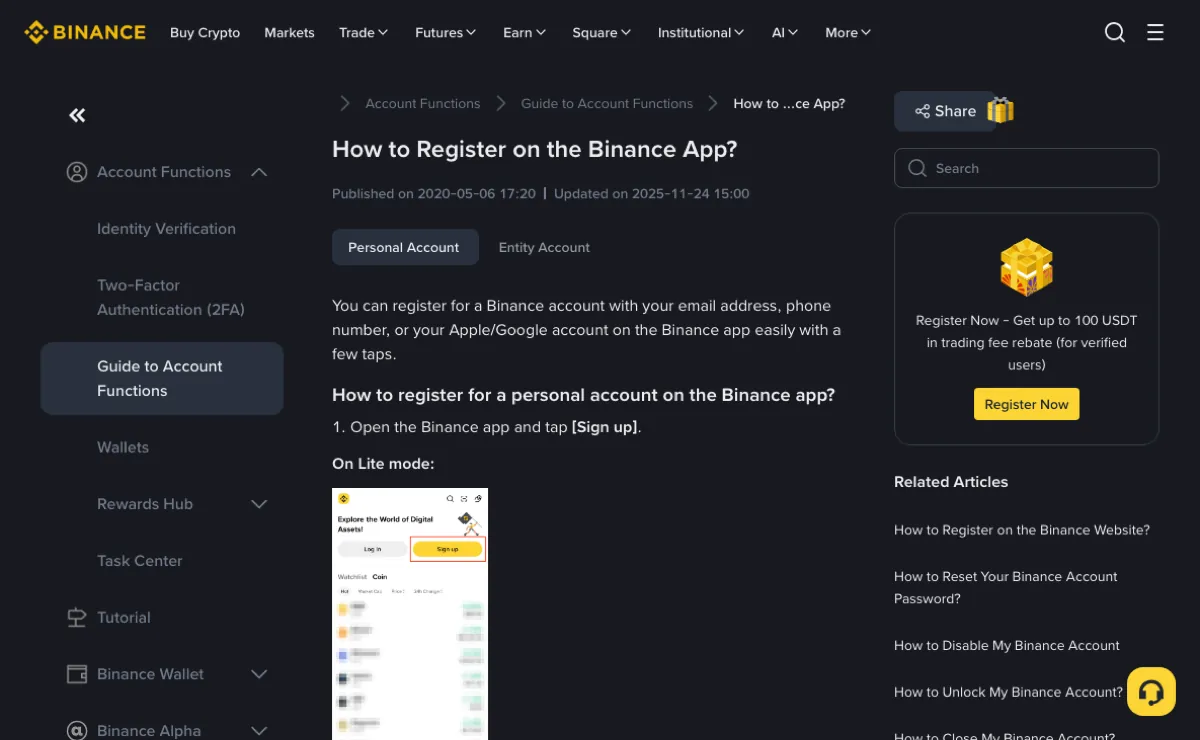
Binance's help article How to Register on the Binance App? lists email, phone number and an Apple or Google account as ways to sign up, and the same page has a separate section on signing up with Telegram. If you think you used one of those accounts, work out which one it was before concluding that the address you are typing now was never used.
Go back to the login screen and pick the sign-in method you believe you used, with the matching Google, Apple or Telegram account. If at any point you are asked to create a new account, stop and check again. The Telegram instructions keep [Link an existing Binance Account] and [Create a New Binance account] as two separate choices, and when you are looking for an old account the second one is the wrong turn.
Resetting the password once you know the old account is yours
When you have your own record of opening the account, or Binance support has confirmed you are recovering your own account and the only problem is a forgotten password, follow How to Reset Your Binance Account Password?. The three Binance help articles cited here were read in October 2026. Read the restrictions they list first, and if a pop-up asks for something different when you get there, follow the pop-up.
- On the website click [Log In]; in the app tap [Sign Up / Log In].
- Enter the email address or phone number and click [Next].
- If the account has passkeys switched on, you will be asked to verify with a passkey first. If you cannot use it, click [Cancel] and choose [My Passkeys Are Not Available], then click [Forgot password?]. Without passkeys you land on [Forgot password?] straight away.
- Read the notes in the pop-up before clicking [Continue], then complete the security verification it asks for.
- Type a new password and click [Confirm]. The guide asks for at least 8 characters, including 1 number and 1 upper-case letter.
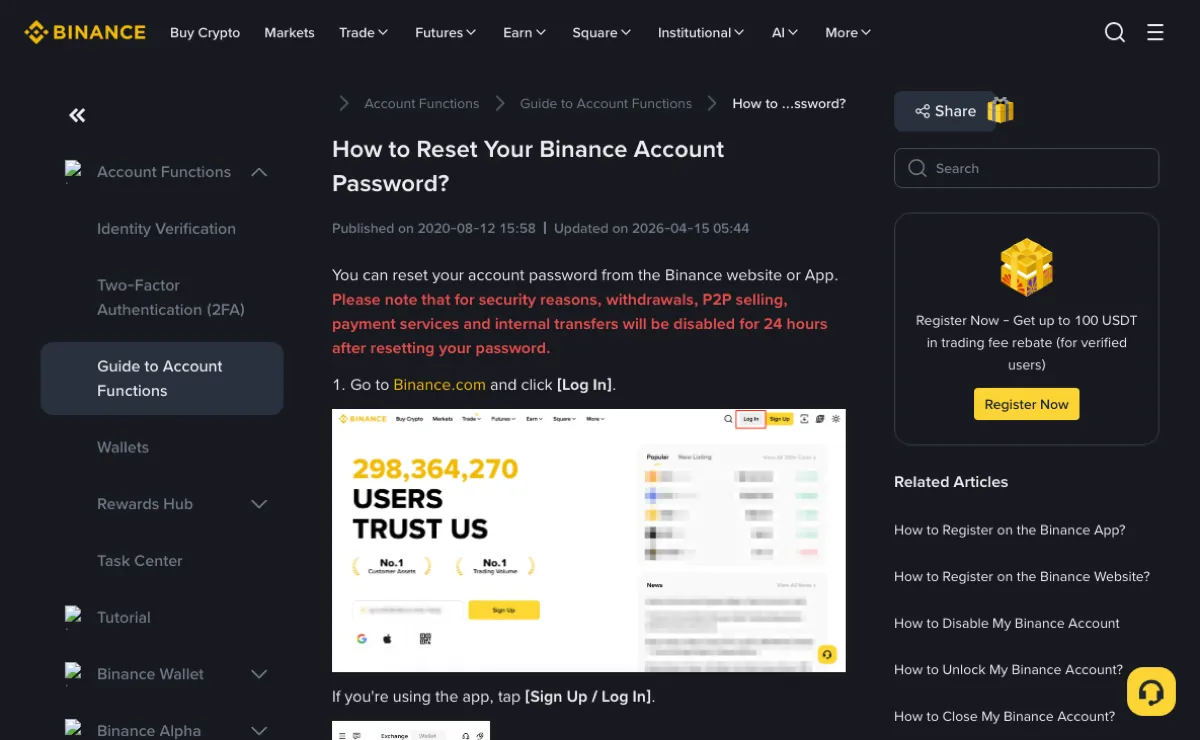
Do not skim the pop-up in step 4. The same guide says that, for security reasons, withdrawals, P2P selling, payment services and internal transfers are disabled for 24 hours after a password reset. If the old account still holds coins you mean to move out, allow for that day before you start.
Where the reset stops tells you different things:
| What happens during the reset | What it tells you | What is still left to do |
|---|---|---|
| Your own account passes the security check and the new password is accepted | The password recovery is complete | Log in with the new password and review the security settings; if the profile shows a name that is not yours, stop and contact support |
| The code arrives, but you cannot use the authenticator app or passkey | The account's required security verification is still not done | Apply for recovery only if the account is yours; see the safe recovery path when you cannot log in. Do not try to get round a verification method you do not recognise |
| No code arrives by email or text | A missing message says nothing about whether the account exists or who owns it | Check spam and any SMS blocking; if it still does not come, give support the message wording and the times you tried |
If ownership is unclear, or you log in and find someone else's identity
Being able to receive messages on an email address or phone number today does not prove the account linked to it is yours. When your records do not match, contact support first. If you have already logged in and see a verified name that is not yours, stop looking around and stop using the account: no deposits, no trades, no changes to the verification details. Tell support which contact details you hold, whether you have any record of opening the account, and when you noticed the problem.
While you are at it, check the login history and auto-forwarding rules of the mailbox itself; if anything there looks unfamiliar, change the email password and lock that mailbox down. If the Binance account is confirmed as yours and you then spot logins or withdrawals you did not make, the order of steps and where to disable the account are covered in what to do about an unknown device in your login history.
Anyone who messages you first offering to "unbind your email" or "release your phone number" should get nothing from you: no codes, no password, no photos of your ID, however official the profile picture and name look. If you need support, reach it from the app or website you opened yourself.
Before closing the old account to sign up again with the same email
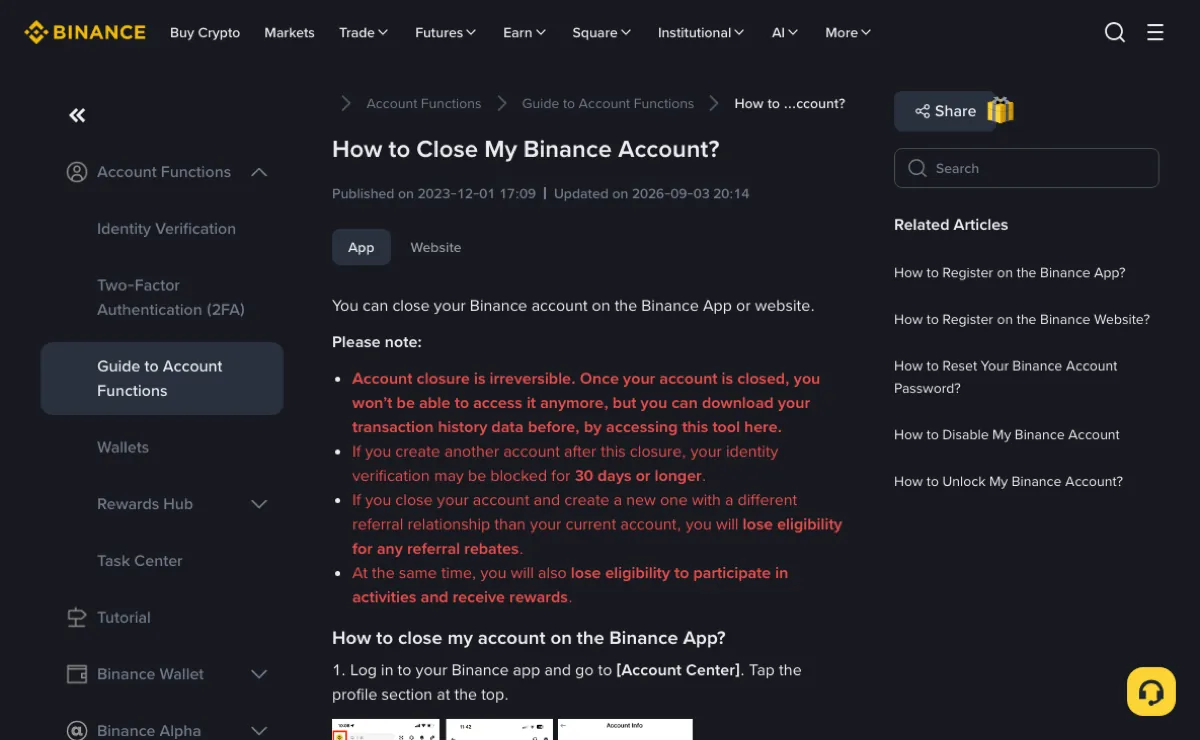
If the account is confirmed as yours and you simply want to start over, read what How to Close My Binance Account? says will happen before you decide:
- Closing is irreversible and you will not be able to access the account again; Binance offers a tool to download your transaction history beforehand.
- If you create another account after closing, identity verification on it may be blocked for 30 days or longer.
- If the new account has a different referral relationship from the old one, you lose eligibility for referral rewards, and Binance adds that you also lose eligibility for activities and rewards.
- Assets you have not moved out before closing will be lost and cannot be recovered.
What that guide does not say is whether the same email address or phone number can be used to register again straight after closing. Ask support about that before you close anything, not afterwards.
The app sign-up guide also states that a referral code cannot be changed once it is linked to an account, and that the account type (personal or entity) cannot be changed after registration. If what you actually want to fix is the account type or the referral link, describe that specific issue to Binance support; closing and re-registering does not guarantee the outcome you are after.