From 29 September 2026, Binance is moving non-stock assets from the Funding Account into the Spot Account in batches, except six settlement currencies (USD, USDC, USDT, USD1, U and BNB), which stay in Funding. Once your account has been migrated, other crypto is already in Spot and there is nothing to transfer for it. A manual transfer still comes up in three cases: your account has not been migrated yet, you post P2P ads yourself, or you are moving a settlement currency such as USDT between Spot and Funding. When you do need one, open Transfer, then check the direction, the asset and the available amount before confirming. No blockchain address belongs in this move.
What is the difference between Funding and Spot?
They organize balances for different account functions. Spot holds assets available for spot trading. From 29 September 2026 the Funding Account keeps only US stocks, stock options and six settlement currencies (USD, USDC, USDT, USD1, U and BNB); other crypto is moved to Spot 1:1, in batches. The name Funding Account stays until January 2027, when it becomes the Stocks Account.
For P2P, Binance’s Funding Account to Spot Account migration FAQ (checked October 2026) says that users who have not posted an ad in the last three months and are not merchants now have their orders use Spot Account funds first, so in most cases no manual transfer is needed. Advertisers keep using the Funding Account until December 2026 and are then guided to a new dedicated P2P account. Accounts are migrated in batches, users are notified when their turn comes, and Binance expects to finish by January 2027. So look at which account the order page says it will use, not just whether the balance is somewhere in Binance.
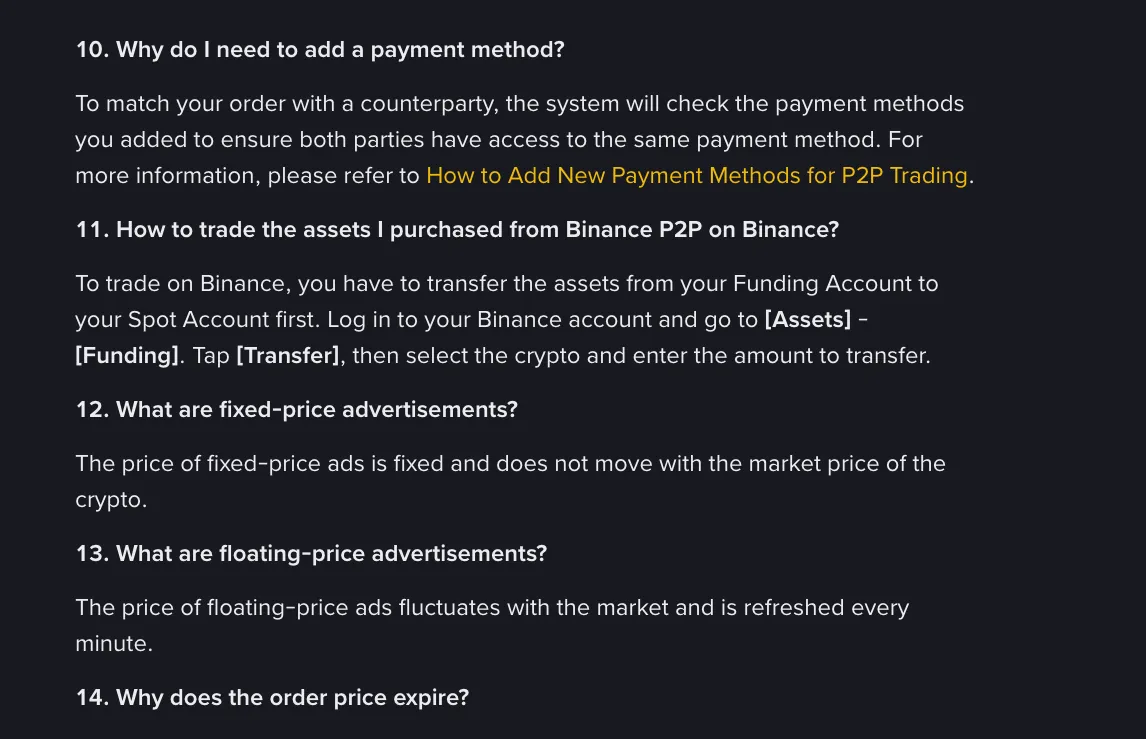
When a transfer is still needed, item 11 of the Binance P2P glossary gives the steps: Assets → Funding → Transfer, then pick the crypto and enter the amount. Go by the labels on your own page; they can differ.
A balance shown in one wallet may not be available to an order in another until transferred.
How do you perform the internal transfer?
If the asset already sits in Spot, skip this section. If it is still in Funding and the spot order form cannot see it, carry on.
Confirm source, destination, asset and amount before submitting. Use the swap-direction control carefully. The asset stays in the account and no blockchain address should be required for a normal internal wallet transfer.
To make a balance usable on the spot order form, the destination is Spot. The reverse direction, Spot → Funding, now has two main uses: moving one of the six settlement currencies in to trade stocks, or, before December 2026, funding P2P ads you post yourself, for which Binance says you first transfer assets from Spot to Funding. If you only take other people’s ads, orders use your Spot Account by default and there is nothing to move.
After confirmation, review both wallet histories rather than relying only on a toast notification.
Why is this not a deposit or withdrawal?
A deposit comes from outside Binance and a withdrawal sends to an external address. Both can involve a blockchain or fiat payment rail. Internal transfer changes the account ledger compartment without an external destination.
If a page asks for an address, network and memo, stop and confirm that you have not opened Withdrawal.
After the migration, the Funding Account no longer takes on-chain deposits or withdrawals: crypto from outside goes straight to Spot, and a settlement currency held in Funding has to be transferred to Spot before it can be withdrawn. Convert is done from the Spot Account too. If your account has not been migrated yet, go by what your page shows.
What if the transfer does not appear?
Review transfer history and both wallet filters. Check that the transfer went in the intended direction and used the correct asset. A normal internal transfer does not wait for blockchain confirmations. Refresh the current account view and inspect status.
If the record is failed or stuck, contact official support with the transfer reference, not with passwords or codes.
What security checks still matter?
Use only the signed-in account and verify unexpected requests. A stranger does not need you to move assets to Funding or Spot to “verify” a referral, release a payment or unlock the account.
Review P2P order status independently and never release crypto based only on an external payment screenshot.
Why can the transferable amount be lower than the wallet balance?
The displayed total can include funds that are not currently available for an internal transfer. Open orders, pending P2P activity or another product allocation may reserve part of the asset. Compare total balance with available balance in the source wallet, then inspect unfinished activity before canceling anything.
Do not move assets solely because a tutorial names a destination wallet. First identify the product you intend to use and confirm that the transfer screen shows the same asset, source and destination. An internal transfer normally does not require a blockchain address; a screen asking for a network or external address is for a different operation.