Short answer: add a watermark only if the service you’re submitting to says it accepts one for that document, and ask first if its rules don’t mention it. Writing “For identity verification only” across a passport copy feels like a sensible precaution, but some providers list watermarks among their reasons to reject an image.
Whether you can watermark a KYC document depends on the receiving service’s document rules. Keeping your name readable is not a universal acceptance test, and a purpose label does not control what happens to the file after you send it.
My preference here is to check the requirements before preparing an edited copy. Trying different watermark positions across several upload sites means handing over more copies without first resolving the question. For an expired ID or mismatched personal details, use the separate Binance KYC troubleshooting guide.
A watermark policy belongs to a particular service
Start with the name of the service, the document requested and the verification step. A passport for personal identity verification is not the same request as proof of address. Advice about labeling a copy for a bank does not establish what an exchange’s upload form accepts.
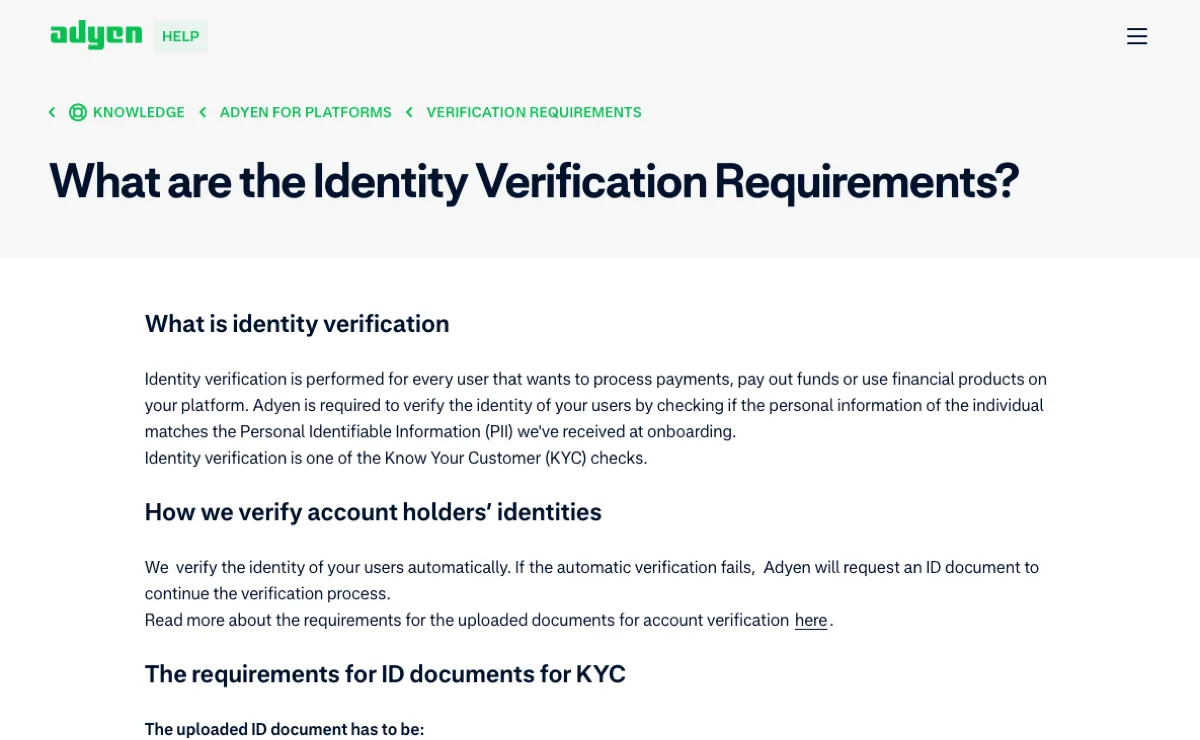
The difference is explicit in two official help pages. Kraken’s ID image requirements list a watermark as a reason for rejection. Adyen for Platforms’ identity verification requirements permit watermarks that leave every data point unobscured, while separately prohibiting document editing or tampering. That exception belongs to Adyen’s stated requirements; it is not permission from Binance.
Keep the service and document type alongside any rule you save. A cropped quotation saying watermarks are allowed loses its meaning when those details disappear. The linked requirements were checked on September 12, 2026; compare them with the instructions shown when you actually submit.
On Binance, check how the document will be collected
The Binance personal account verification guide directs website users to Account → Identification. It asks for residence, the document’s issuing country or region, and document type. It also says that the availability of manual uploads depends on the country.
Look at that choice before editing a photo.
A common dead end is searching for a file picker while the current flow is asking you to use a camera. Confirm which capture methods the page actually offers. Do not photograph a screen displaying a watermarked image, cover parts of the physical document, or change your residence details to get a different upload route.
The public guide does not establish blanket permission to add your own watermark. Nor does its silence prove that every verification flow prohibits one. If the current step leaves this unclear, ask official support through your account about that document and submission method. Another provider’s policy cannot fill the gap.
You can pause before submitting if you are not comfortable with the requirements. A watermark is not a way to change the service’s eligibility rules or avoid its document checks.
Read the requirement before choosing what to add or hide
| What the instructions say | What that means for your copy | What to check next |
|---|---|---|
| Watermarks are not accepted | Smaller lettering or lower opacity does not make a watermark comply. | Decide whether you are willing to supply the required image. |
| Watermarks are allowed if data remains visible | Apply that exception only to the service and document covered by the rule. | Check that required text, photographs and other areas remain unobscured. |
| Use an original capture or unedited image | Do not assume a purpose label is exempt. | Look for a separate, explicit watermark exception. |
| The image must be clear; watermarks are not mentioned | Silence does not settle whether added text is acceptable. | Ask support about this upload step before altering the image. |
Those dense rows of letters, numbers and symbols near the bottom of a passport are not spare space for a label. Where the machine-readable area must remain visible, leaving the name readable is not enough. Also distinguish a watermark you add from security features already printed in the document. Do not retouch the original design to produce what you think an “unwatermarked” ID should look like.
Redaction is a separate question.
Permission to add a purpose label does not automatically allow you to black out an ID number, birth date or portrait. Each hidden field needs its own basis in the receiving service’s instructions. There is no general masking pattern in this guide that you can safely apply to every KYC request.
Reduce unnecessary sharing before the file leaves your device
A watermark expresses an intended use. It does not itself prevent copying, storage or forwarding, or make an unfamiliar upload link trustworthy. Check the destination and the explanation of how your data will be used before choosing the file.
- Open the verification route yourself. Start from the official app or website you have checked, rather than a private message asking you to “finish verification.”
- Ask the policy question without attaching your ID. The document type, verification step and exact instruction are enough to ask whether added text is accepted. If documents are subsequently requested, confirm the official submission channel.
- Separate public troubleshooting from document submission. A forum post can show an error message with personal details removed. It should not contain a complete identity document. Material for the actual verification goes through the confirmed channel under its own requirements.
- Avoid creating another recipient. Uploading an original ID to an unfamiliar online watermarking tool exposes it before verification even begins. Check shared albums, public computers and automatic backup locations when handling your own copies, too.
If you cannot tell who will process the document or why it is needed, resolve that before sending it. An assurance that someone can get you approved quickly does not answer either question. These choices help you limit unnecessary disclosure; they do not guarantee approval.
If a watermarked copy is rejected, ask about the actual reason
Keep the rejection wording without copying the ID into your support note. An explicit reference to a watermark or image editing gives you a specific issue to address. A generic verification failure does not prove that removing the watermark will fix it: blur or an unsupported document type may need a different response.
You could ask through the account’s official support channel:
“I’m at the document step for personal identity verification, using an ID type offered on the page. Does this step accept a photo with an added purpose watermark? If not, please point me to the image requirements for this document and the official submission route.”
No ID number or document photo is needed to ask that question.
If official instructions require an unedited image, capture it again from the physical document as directed. Do not use generative editing to reconstruct covered letters, numbers or a portrait. Missing identity details must not be guessed. If an application is still under review, avoid starting fresh applications just to try another image.
The useful answer is specific: which document this step accepts, whether a watermark is allowed, what must remain visible, and where to submit it. Ask about whichever part remains unresolved; you do not need to restart the entire sign-up process to clarify one image requirement.