Two lines on one page settle most of this. Inside your own account, open [Account] - [Identification] and read the tier you are on now and whatever the page says is still outstanding. Take the limit figure from that page rather than from a number quoted in somebody's guide. And when an action refuses to go through, work through your region and payment channel, a hold on newly bought crypto, a cooldown after a security change, and a plain withdrawal failure before you conclude the tier is what's stopping you.
When “Exceeds your limit” appears, hold off on the thought that you verified months ago. Being verified is one thing. Which tier the account is sitting on, and how much that tier allows today, is another. Both of those lines happen to live on the same page.
Which page the tier is written on
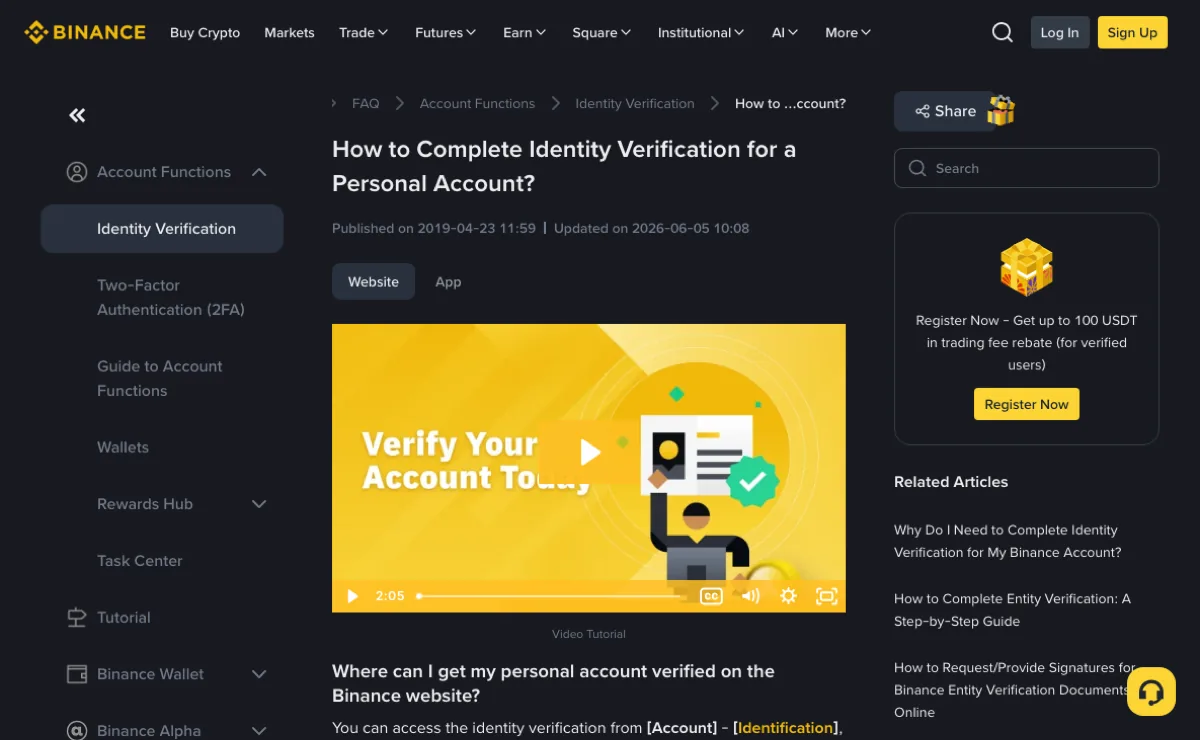
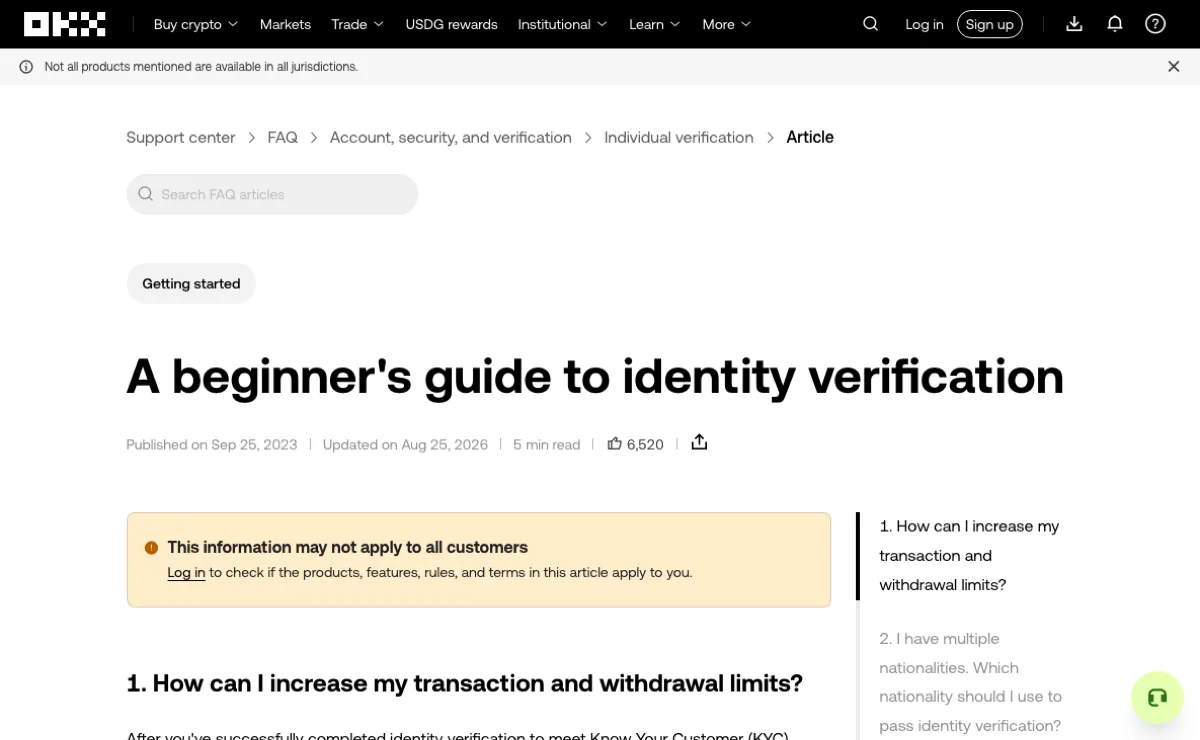
Find the page first. Binance's help centre gives the route as [Account] - [Identification], or [Verify] / [Get verified] from the homepage banners, and then says the part that matters: “You can check your current verification level on the page, which determines the trading limit of your Binance account.” In the app it is [Account Center] - [Unverified], or [Verify Now] on the home screen. OKX puts the same page somewhere else entirely. In the app it is the grid icon at the top left, then [Profile and settings] - [Identity verification]; on the web, the avatar at the top right, then [Profile] - [Identity verification].
Once you are on it, two things are worth your attention and the rest is decoration: what this tier is called, and the list of what the page says is still outstanding.
Tier names are not shared between platforms, and the same word does not have to mean the same allowance in two places. So when you read somebody else's walkthrough, convert their tier name into whichever line your own page is showing you. Reading it the other way round — taking their tier name and assuming your allowance from it — is where this can go wrong.
The number is on your page, not in a guide
Binance does not publish a fixed figure either. Under “What are my daily withdrawal limits after completing identity verification?” the answer sends you back to the [Identification] page for the most updated withdrawal limits, and the reason it gives is straightforward enough: products and services get reviewed on an ongoing basis. We read How to Complete Identity Verification for a Personal Account? in September 2026.
OKX adds one line that is worth holding on to. Under how to raise transaction and withdrawal limits it notes that your 24-hour withdrawal limit depends on your fee tier, and points you at the fee tier table (from A beginner's guide to identity verification, also read in September 2026). The same word, limit, hangs off the verification tier in one place and off the fee tier in the other. Carrying one platform's cause and effect across to the other is exactly the mistake to avoid.
Four things have to be read off your own line. Miss one and the arithmetic comes out wrong:
| What to read | How it gets written | Reading it wrong looks like |
|---|---|---|
| The window | Daily, rolling 24 hours, monthly | Assuming the counter reset while you are still inside the rolling window |
| The unit | Converted into a fiat currency, or counted in the asset itself | The price moves, so the quantity you can send moves with it |
| The direction | Deposits, withdrawals and purchases counted separately | Using the deposit allowance to work out a withdrawal |
| The rail | On-chain withdrawals, P2P and card channels each carry their own | Switching rails and running into a different set of limits |
None of it is worth memorising. Before you move an amount that is larger than your usual, open the page and read what it says at that moment. The allowance can change between one visit and the next.
What stops you may not be the tier
Some of it genuinely is. Binance's position is that all new users have to complete [Verified] before they can reach its products and services, crypto deposits and trades included, and that existing users who have not done so have account permissions temporarily changed to “Withdraw Only”: fund withdrawal, order cancellation, closing positions and redemption, and nothing beyond that. When this is what you are hitting, the page says so and there is nothing to guess at.
But “it won't let me” can also have its cause somewhere else:
- Region and payment channel. The wording is “Based on your region or selected payment channels, you may need to increase your identity verification level.” Read backwards it still holds. Some restrictions travel with the channel, and moving up a tier will not necessarily lift them.
- A hold on what you just bought. Crypto bought through P2P may be temporarily blocked from withdrawal. According to Binance's T+1 and T+2 FAQ, as it read in October 2026, the 24-hour T+1 hold applies only in the currencies or verified-user regions the FAQ lists, and only to buyers who meet its conditions. How much of the purchase is held depends on the market, and P2P merchants are exempt. That is not the same thing as the 48-hour T+2 risk-control restriction; the two are separated in the T+1 buy hold versus T+2 risk control.
- A cooldown after a security change. Binance's password-reset and Google Authenticator guides say withdrawals are disabled for 24 hours after a password reset and for up to 48 hours after you change your Google Authenticator. If the notice on your withdrawal page points to one of these changes, the cause is not your tier. The account security checklist covers those settings.
- The withdrawal itself failing. Network maintenance, an address that does not match the format, an asset that is suspended. Withdrawals failed or suspended has the order to work through.
Reverse the order you suspect things in: clear those four, then look at the tier. An upgrade means waiting on a review, which Binance says is usually done within 48 hours, longer in some cases; any of the four can be checked first against the relevant page or record.
Higher tiers ask where the money came from
Once the identity stage is behind you, the question stops being who you are and becomes where the money came from. Binance splits that into two terms. Source of Wealth (SoW) is the big picture: how you built your total net worth over your lifetime, which can be a combination of career, business ventures or inheritances. Source of Funds (SoF) is the specific deposit, meaning where this particular amount you are putting in came from. The two do not have to line up: the wealth accumulated over a career, this deposit out of a one-off house sale.
The documentation standard is written up as the “Golden Rules”, and there are four:
- Issued in your name. The document has to match the name on the account.
- Clear. Full name, the issuing authority's logo and a clear date of issue all legible, 300 DPI, all four corners of the document visible. No cropping, blurring or filters.
- No edits. Non-editable formats only: PDF, JPG, PNG. Excel and Word files are generally rejected.
- Recent. Reflecting your most recent financial activity: payslips from the last three months, say, or a tax filing for the most recent year.
Screenshots are not ruled out, but they arrive with a condition attached. They are accepted only if they show the full page including the URL, with your name or your company's name and the date on it. Original PDFs are preferred, so when the bank can export one, send the PDF. All of that comes from the Guide to Verifying Source of Wealth and Source of Funds, September 2026 version.
The ID stage and the address stage are checked against different things, and the address side is written up separately in what Binance looks at on a proof of address.
Documents go up through the verification page inside your own account and nowhere else. Anyone approaching you away from the platform for an ID, a bill or a bank statement — including anyone describing themselves as support — gets nothing.
What can still be changed after you submit
This is the step that closes behind you. At step 6 of the flow Binance asks you to confirm your personal information and click [Continue], with the note that you will not be able to change it once confirmed.
“Cannot be changed” is not quite permanent, though. The same help page lists seven grounds for going back to [Identification] and using [Update Identity]: the documents have expired; the name on the document has changed; the ID number on the document has changed; nationality has changed; updating or replacing documents to meet a specific fiat channel's requirements; changing the name to a system-recognizable language, for instance from a local-language ID card to an English-language passport; and updating documents to meet Binance Card requirements. The same page also states that you cannot transfer your account to another person or substitute another person's ID for your own.
OKX draws the line tighter. Verification information cannot be changed through the app or the website at all, and goes through support instead; one account can only ever be registered with one identity document.
Neither platform is built around fixing it later. So before [Continue], read the spelling of your name, the document number and the date of birth off the document itself rather than off memory.
Before you submit
- The tier the page is showing right now, against the tier you believed you were on.
- What the outstanding item actually is: ID document, proof of address, or source of funds.
- Every field matching the document character for character, starting with the order of your names and the document number.
- A PDF, JPG or PNG, all four corners in frame, nothing cropped, blurred or run through a filter.
- If the point of the upgrade is to lift one specific restriction, that the restriction is coming from the tier at all.
The part only your own account can answer
Two things this page cannot do for you. It cannot tell you your number: the allowance belongs to your account, and tier names, document lists and review times are all revised from time to time, so whatever your verification page states when you open it is the version that counts. It also cannot stand in for the platform. This site has no access to accounts, handles verification for nobody, and collects no identity documents or personal details, which is why a review decision you disagree with has to go through the platform's own official support channel. What it can do is show its working: the verification guidance comes from the help pages linked above; the T+1/T+2, password-reset and Google Authenticator guidance was checked in October 2026. Use the current withdrawal-page notice for the restriction that applies to your account.