If the national ID card you verified with has expired, or you have renewed your passport, start with the update process in your existing Binance account. Binance’s help centre lists expired documents among the reasons for updating identity verification. Use the Update Identity button in the Verification Center: pick a reason, upload the new document, wait for the email that says the system review is finished, then submit identity verification once more.
Before opening the form, lay the old document and the new one next to each other and check which details changed. Replacing an expired document, changing its number and changing your name are separate reasons on the official list.
Put the old and new document side by side and find the line that changed
Start with the document number: read the old and new numbers aloud, character by character. If they match, compare the name and expiry date next. When the number and name are unchanged and you are replacing an expired document, the reason to pick is “The documents have expired”.
If the numbers differ, the official list has a separate entry for that, “The ID number on the document has changed”, and it sits apart from expiry. A renewed passport with a new number can look like it belongs under both. When two entries seem to apply and you cannot tell which the form wants, ask customer service before choosing; the help article on updating identity says the same thing about reasons that are missing from the list.
| What the two documents show | The matching entry on Binance’s list | Worth noting this time round |
|---|---|---|
| Same number, same name, later expiry date | The documents have expired | Choose the issuing country or region and the document type as printed on the new one |
| The new document carries a different number | The ID number on the document has changed | Unsure whether this or expiry is the closer fit? Ask support first |
| The name on the new document is not the name on the old one | The name on the document has changed | A proof of address or source-of-funds paper sent in later should carry the new name |
| The old ID was in a local script and you are switching to a passport printed in Latin letters | Change the name to a system recognizable language | The name held on the account moves to the spelling on the passport data page |
The wording in the middle column comes from the section “How to update my identity verification information?” in Binance’s help article Why Do I Need to Re-verify My Binance Account (EEA Countries)?. The title mentions the EEA, but that section is a plain list of reasons. It has a few more entries (a change of nationality, replacing documents to meet a fiat channel’s requirements, and updating documents for Binance Card) that have little to do with an expired document, so they are left out of the table.
Where to find Update Identity, and the two reviews that follow
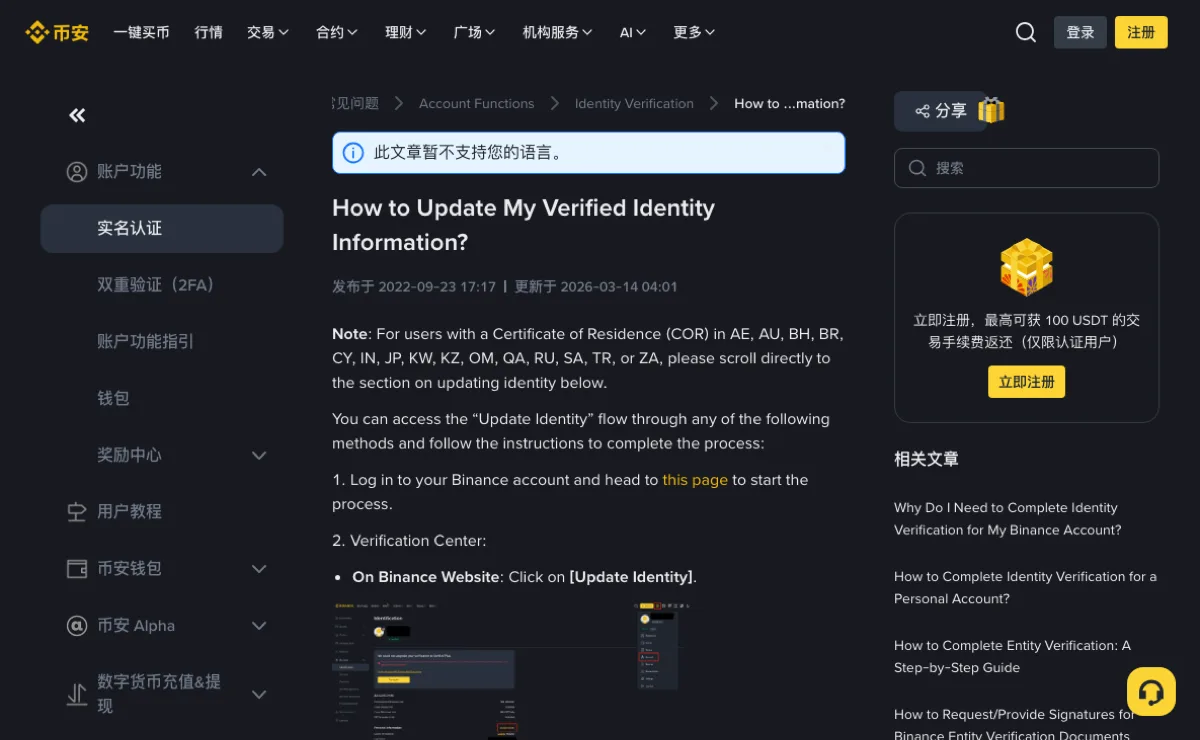
The entry points are set out in How to Update My Verified Identity Information?. On the website it is the Update Identity button in the Verification Center. In the app the article walks through four taps: the icon it circles on the home page, then [>] to open your account information, then Verifications, then Update Identity.
From there the article’s steps run in this order:
- Select the reason for the update (the one you matched in the table) and click Continue.
- Select the new document’s issuing country or region and the document type, then click Continue again.
- Follow the on-screen instructions to upload the new document and finish the remaining prompts.
- Wait for the email saying the system review is complete, then go back and submit identity verification again.
The last step is easy to read as the finish line. It is not. The article’s wording is that after the review “you can proceed to submit your KYC verification again”, which makes two reviews: one for the update request, and one for the verification you resubmit afterwards. The change is done only when both have passed.
Plan for the account restriction before submitting. The same article lists a reset link for certain regions, then gives a separate warning: declaring an update to your KYC materials restricts the account to “Withdrawal Only” mode until all new information has been submitted and verified. The warning does not limit the restriction to the regions listed for the reset link. If you are planning a deposit, a trade or a P2P order soon, keep it apart from the update rather than scheduling both for the same period.
When an email tells you your document needs updating
Binance does send notices of its own. The EEA article describes how a re-verification request arrives: an email first, then a pop-up after you log in where you click Continue to go to the Verification Center, and a Start Now button that opens the new verification. It also sets a deadline, after which the account is restricted to “Withdrawal Only”.
Because real notices look like this, fake ones are written to look the same. Leave the button in the email alone. Open the app yourself, or type the address into the browser, log in, and see whether the Verification Center is actually asking for anything. The anti-phishing code inside the email is a second check, and how to read it is covered in how to use a Binance anti-phishing code.
The EEA article adds one line that settles a certain kind of offer: you cannot transfer your account to another person or substitute another person’s ID for your own. Anyone proposing to “renew the verification with my document” is describing something the platform’s own rules do not allow.
After approval: what else must match the new document
Once the new document passes, the name and document details stored on the account follow it. A proof of address submitted afterwards has to match the name as it now stands, which matters most if you moved from a local-script ID to a passport and the stored name changed form; the checks for that are in what to check on a proof of address before you upload, and splitting a passport name into surname and given names is covered in which line of your ID goes where.
If the new document is rejected, start with the rejection message and compare it with the file you submitted. Check whether glare hides any details, whether all corners are visible, and whether the upload page accepts that document type. For help with those checks, see Binance KYC failed: what to check. Once verification has passed, use the guide to where the withdrawal limit is shown to check your current limit.
Both help articles were checked in October 2026, and each showed an update date of 14 March 2026, as displayed in UTC+8.