These three boxes look like one question asked three times. They are not. Nationality asks which country you are a citizen of. Country of residence asks where you actually live for the long run. Issuing country asks which government produced the document you are about to upload. If all three answers are the same country, there is nothing to weigh up. If you live abroad on your home passport, you will end up with two different countries spread across the three boxes, and that is how the form should look.
Copy nationality and issuing country from the document you are about to upload, and choose residence by where you live. Keep your identity document and address evidence beside you while you check the fields below.
What nationality, residence and issuing country mean
Lay the document you plan to upload on the desk and put a recent bill beside it. Between the two of them, all three fields have a source.
Nationality is copied from the line labelled Nationality on the document. It is not the same thing as place of birth, which a passport prints on a line of its own, and holding a long-term residence permit does not make you a national of the country that granted it. If your nationality has changed and the document in your hand still shows the old one, ask the platform which new paper it needs before you fill anything in.
Country or region of residence is the place you really live now, long term. Where the platform asks for a proof of address, prepare one of the document types its page lists and check the name and address printed on it. If you have no suitable bill at the moment, look up what else is accepted; your country of residence is still where you live, wherever that bill was issued.
Document issuing country or region is about the document itself. The data page of a passport carries a three-letter country code, and that code belongs to the state that issued the passport. A passport renewed through an embassy or consulate abroad is still issued by your home country, not by the country you were standing in when you collected it. A visa stuck inside the passport does not count either: it is another country’s permission to enter, not an identity document. Bybit’s help page is blunt about this. It says Bybit “only accepts documents issued by your country of origin”, names passport, identity card, residence permit and driving license, and adds that a “Domestic Passport, Student Visa, Working Visa or Travel Visa are not accepted”. Read the issuing-country condition on the upload page as carefully as the name of the document type.
Living abroad on a home-country document: how the three fields combine
Suppose you are a citizen of Country A, and Country B is somewhere else. Put your own situation into the table, read it aloud against the document in your hand, and see which row you land on.
| Hypothetical situation | Nationality | Residence | Document issuing country |
|---|---|---|---|
| Living in Country A, using a Country A ID card | Country A | Country A | Country A |
| Settled in Country B, uploading a Country A passport | Country A | Country B | Country A |
| Settled in Country B, uploading a Country B document of a type the platform’s upload page lists for you | Country A | Country B | Country B |
| Living in Country A, spending a few weeks in Country B for work or travel | Country A | Country A | Country A |
The second and third rows differ only in which document you picked. Whether a local document is an option at all, and which kinds, depends on what the platform has opened for that country. Binance’s help page puts it this way: “Most users can choose to verify with a passport, ID card, or driver’s license. Please refer to the respective options offered for your country.” If the document type you hold is not in the drop-down list, do not pass off a different one in its place.
The last row is the one where residence and current location part ways. Being in Country B, with a phone that locates you there, is not the same as living there. A short trip or a work posting of a few weeks does not turn your current position into your long-term home, and whether you happen to have a local bill is no substitute for an honest answer about where you live.
Which field decides whether the platform can serve you
This is the part of the help centre worth opening first, because the platforms do not word it the same way.
- Bybit’s Individual KYC FAQ says: “Restrictions are determined based on the trader's nationality, not their current place of residence.”
- OKX’s English help article, A beginner’s guide to identity verification, does not say which of the two decides.
- Binance’s How to Complete Identity Verification for a Personal Account gives no one-sentence ruling of that kind. Its second step asks you to select “Residence, Document Issuing Country/Region and Document Type”, and it notes that the manual upload option depends on the country. Nothing on that page supports reading it as nationality-only or residence-only.
Bybit states its rule in one sentence; OKX’s English guide does not address the question. A rule read on one platform cannot be carried over to the next. Keep every field true to your own situation; do not alter a nationality or an address to make an option appear. If the form says you are not supported, note the exact message and ask official support which requirement applies to you. A single answer in a help article does not stand in for the full terms that govern your account.
What Binance asks migrant residents to show for their address
Binance’s help document How to Set up a Binance Account (Migrant Residents), which shows an update date of 19 December 2025, sets out an additional verification for people living outside their home country. Besides the proof of address upload, the app steps include two multiple-choice screens: whether you have visited the specified country within the last 12 months, and whether you have current financial ties or business transactions with it. Only then do you enter your residential address, and the page adds that it “should match the one on the Proof of Address document you're about to upload”.
Read together, those steps say that the residence field is one you are expected to back with paper. The page says you can typically use utility bills, telecom bills and bank statements, and that acceptable documents “may vary depending on your country of residence”. Find the bill before you start and see whether the name, the address and the issue date are all there; the item-by-item check is in what to check on a proof of address before you upload.
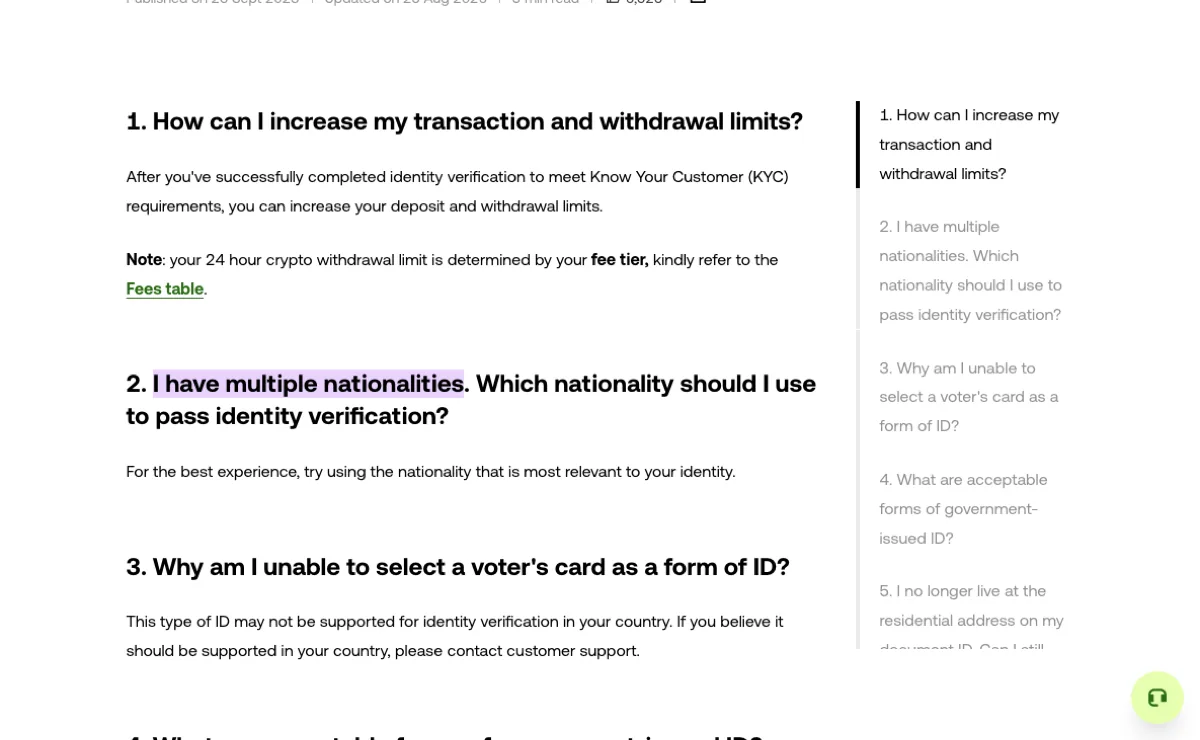
People with two passports have one more question, which is the one in the screenshot. OKX’s English help article suggests using the nationality “most relevant to your identity”. That is a suggestion, not a procedure: it does not tell you how to declare a second nationality or which document your account will accept, and neither of the two Binance help pages linked above explains how to declare more than one nationality. Tell the platform you are using which nationalities you hold and which document you intend to submit, and confirm whether anything further has to be declared, before you send the form.
Updating your details after a move or a change of nationality
A change of nationality is something you can start yourself on Binance. Its help page lists seven acceptable reasons for updating identity verification, and the fourth is “The nationality has changed”. The route is Update Identity on the Identification page: select the reason, then the document’s issuing country or region and the document type. What happens to the account while the update is reviewed, and how to prepare the papers, follows the same process as replacing an expired document, covered in how to update your verified identity.
Moving to another country is not among those seven. Your nationality is the same and so is your document; only the address has changed. Look for the address verification entry inside your account or ask official support which step applies; the nationality reason is for a nationality that has actually changed. The other two platforms describe it more openly. OKX’s English article says you can change the address associated with your account and “may need to provide an additional proof of address document”. Bybit lets you amend both proof of identity and proof of address after verification, provided the account has passed Individual KYC, is not a sub-account, is not suspended or restricted, and has no KYC update or transfer already in progress.
How to split and copy the name itself is a separate page: which line of your ID goes in each name field. The help pages quoted here were read in October 2026, and the drop-down options, accepted documents and regional requirements you are offered can differ from the ones described.